Restyle Any Photo with Image to Image AI
Upload a picture, describe the change, and image to image editing reshapes style, scene and detail for creators, designers, marketers and game studios.
Start nowModel
Image
Add a photo JPEG, JPG, PNG or WEBP filesPrompt
Ratio
Output Num
Resolution


What Sets Our Photo Restyler Apart

Sharp, Polished Output
Crisp results ready for personal posts, client work and commercial projects.

HD Without Watermarks
Clean, full-resolution files with nothing stamped across your artwork.

Private by Design
Uploads are handled through secure processing with careful privacy rules.

Smooth Workflow
Upload, prompt and review in one tidy workspace without losing detail.
Three Steps from Photo to New Picture
You bring the idea; the image to image model handles the heavy lifting.

Step 1: Add Your Photo
Drop in a JPG, PNG or WEBP picture. Clear, well-lit shots give the model the most to work with.

Step 2: Describe the Change
Write a short prompt and pick an aspect ratio. Shift the style, sharpen details or rebuild the scene.

Step 3: Review and Download
Check the result, refine the prompt if needed, then save a high-resolution file.
Where Ideas Meet Smart Photo Editing
Many Models, One Creative Workspace
Pick from several AI engines, each with its own strengths. Restyling portraits, testing art directions or producing marketing visuals, you choose the model that suits the brief and get results shaped around your project.
Try it now
Keep Characters Consistent Across Scenes
Hold faces, outfits and art style steady from frame to frame. That continuity makes comics, storyboards, ad campaigns and longer visual series far easier to build without redrawing everything.
Get started
A Concept-Art Partner for Game Teams
Turn rough sketches into usable game assets: characters, environments, props and prototypes. Move from first idea to presentable artwork in one flow and flesh out whole worlds with AI restyling.
Create yours
A Gallery of Online Photo Makeovers
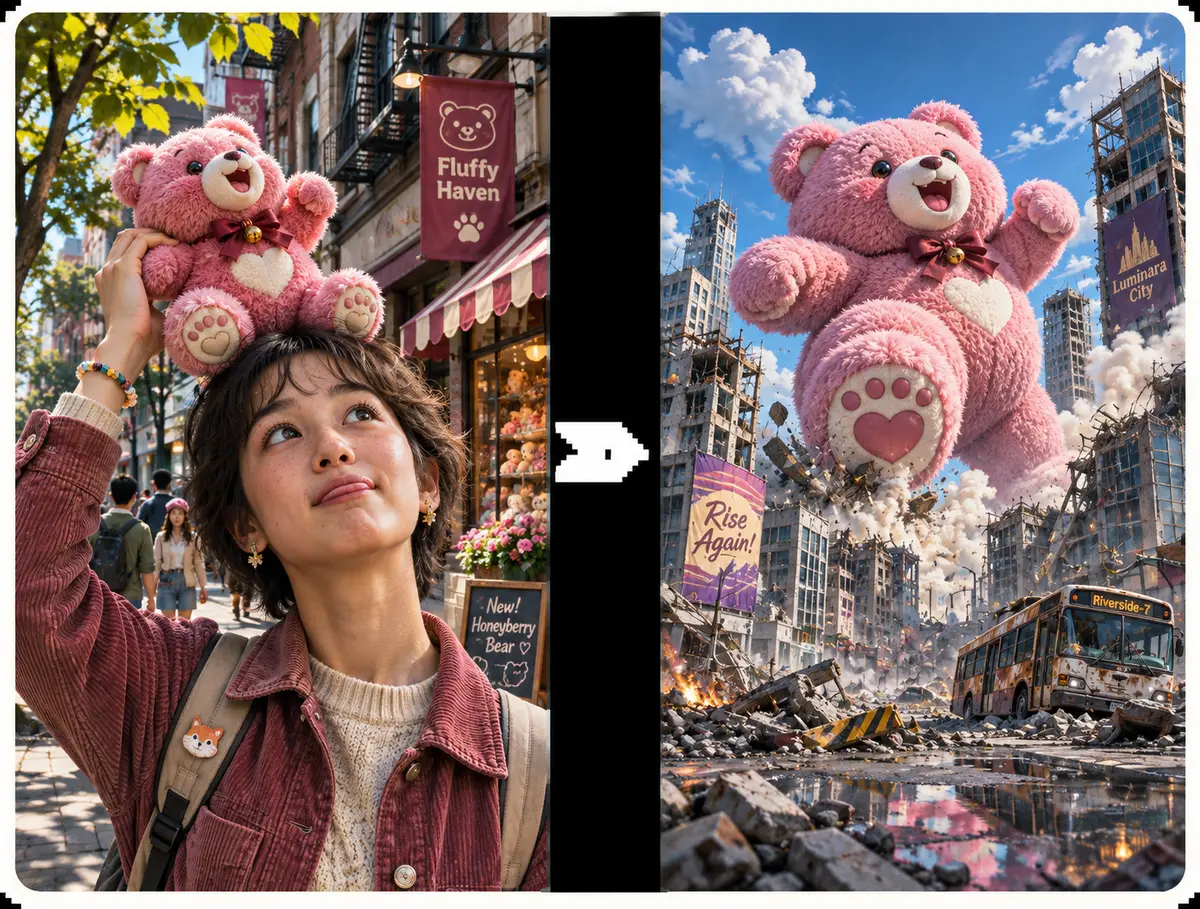
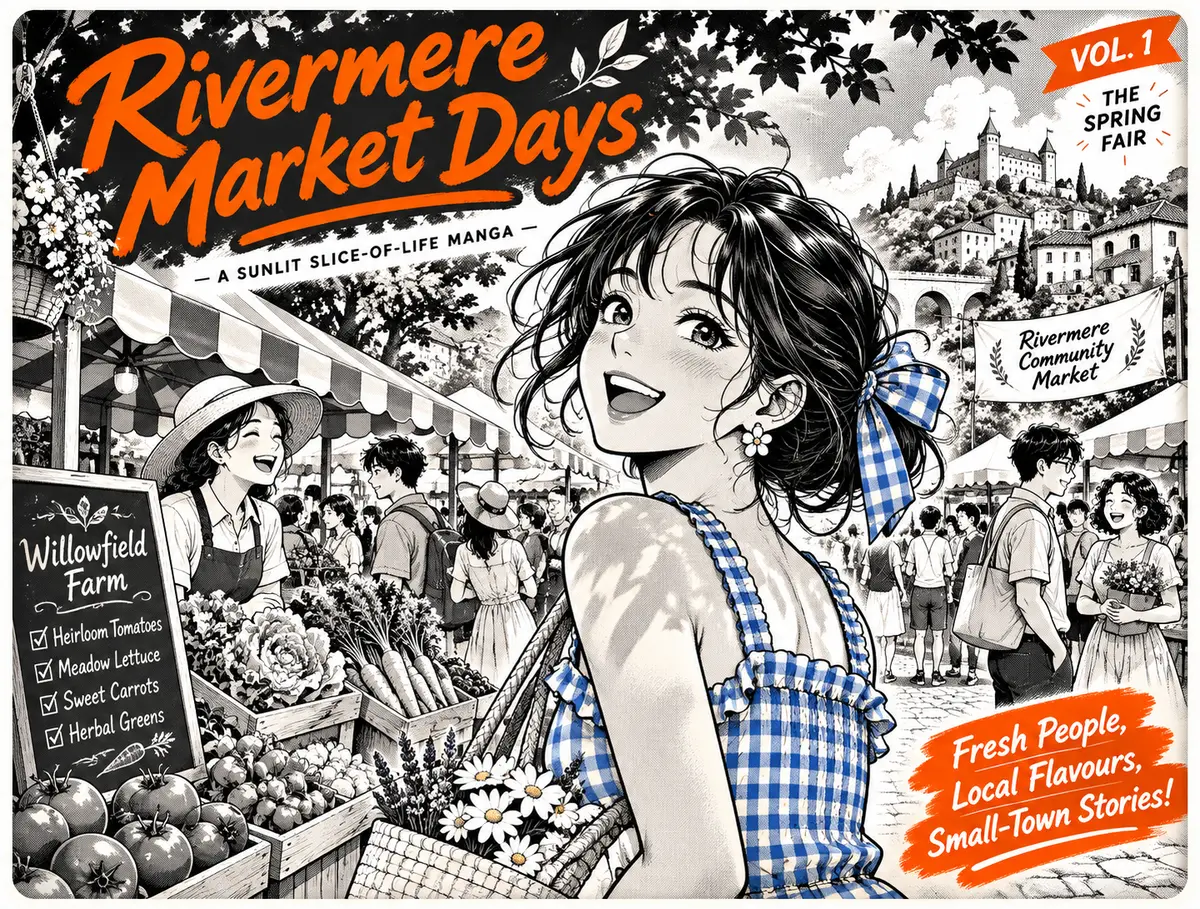
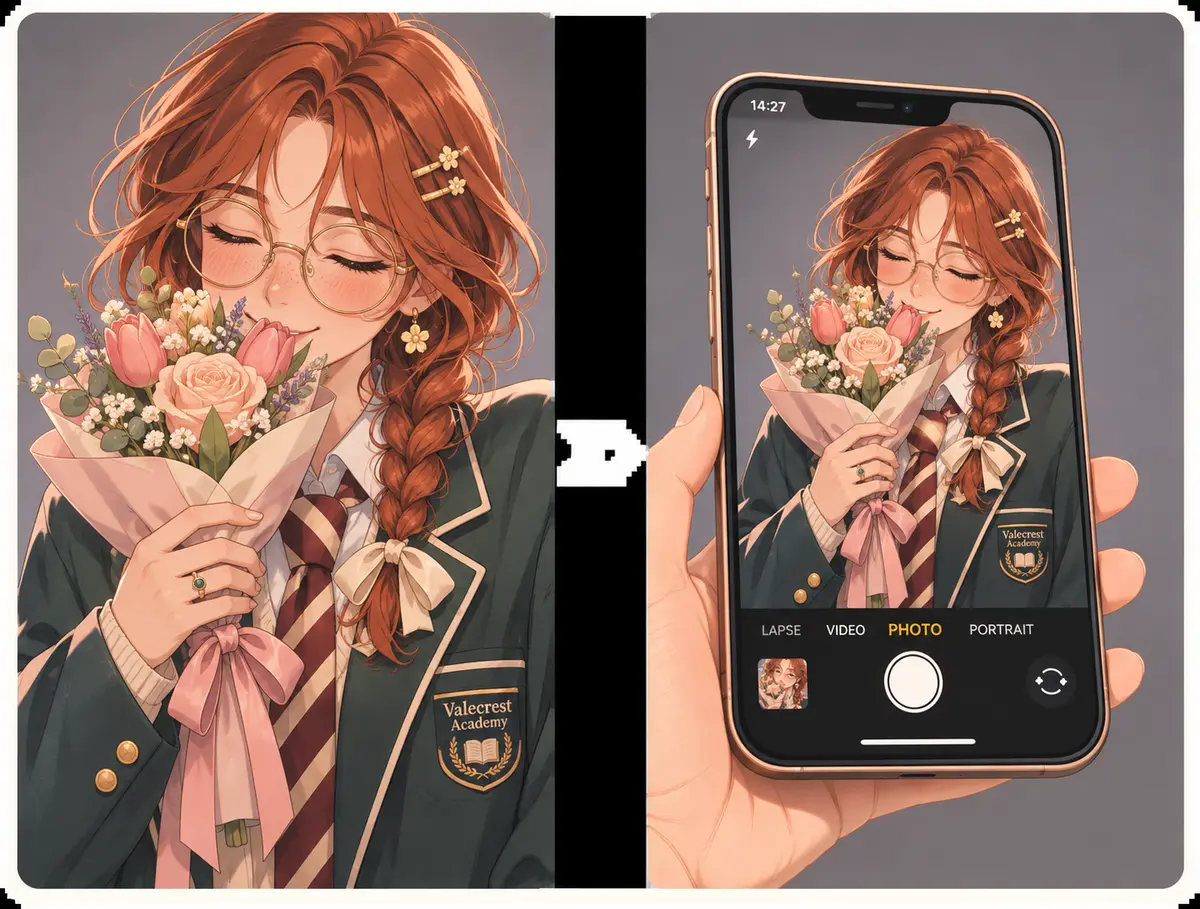
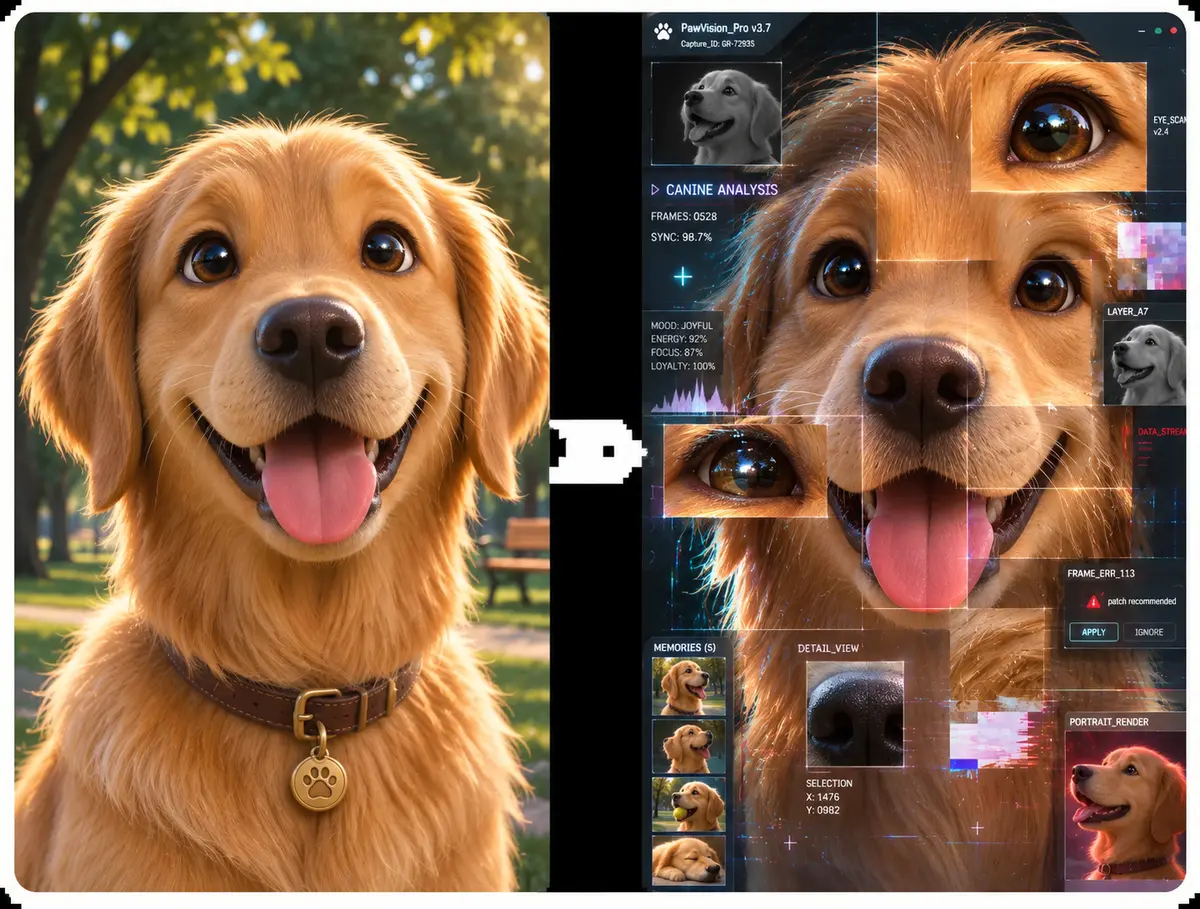
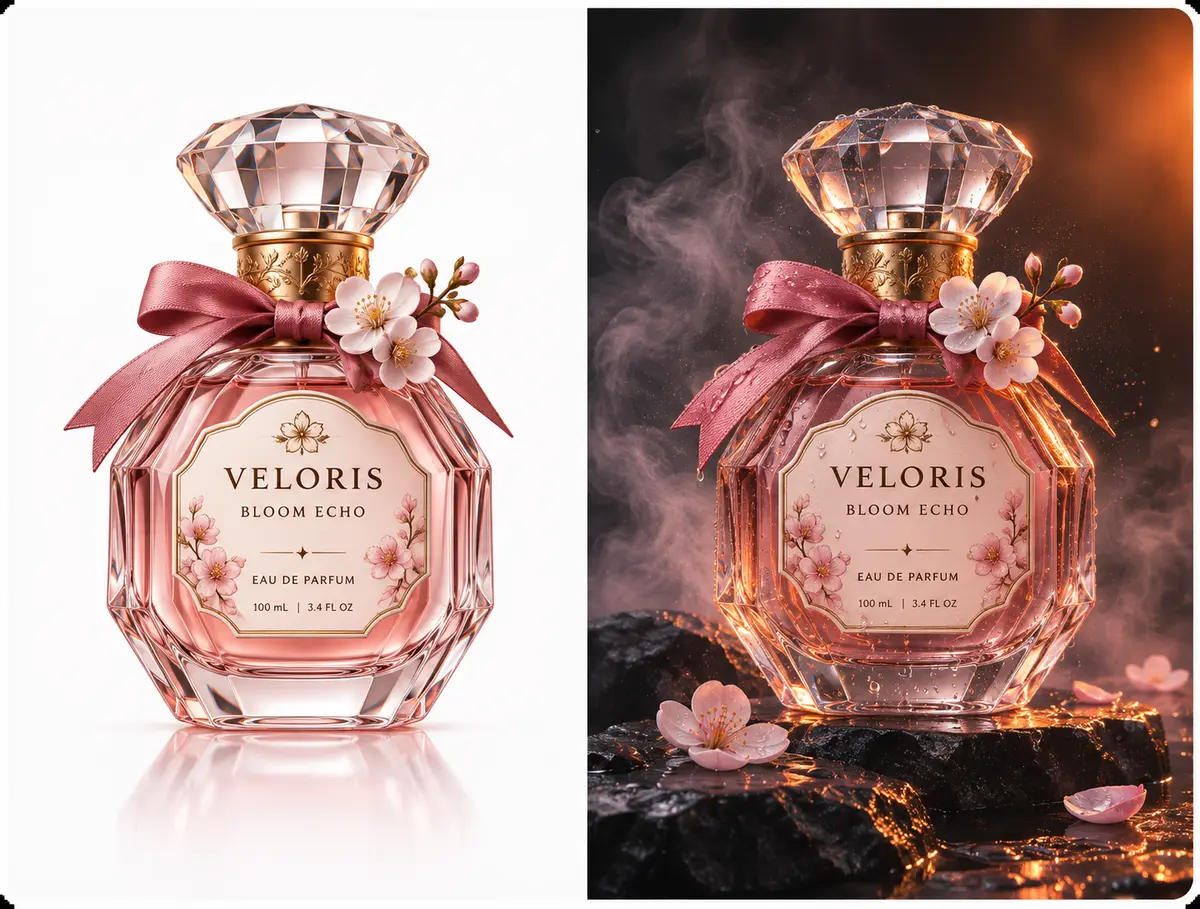
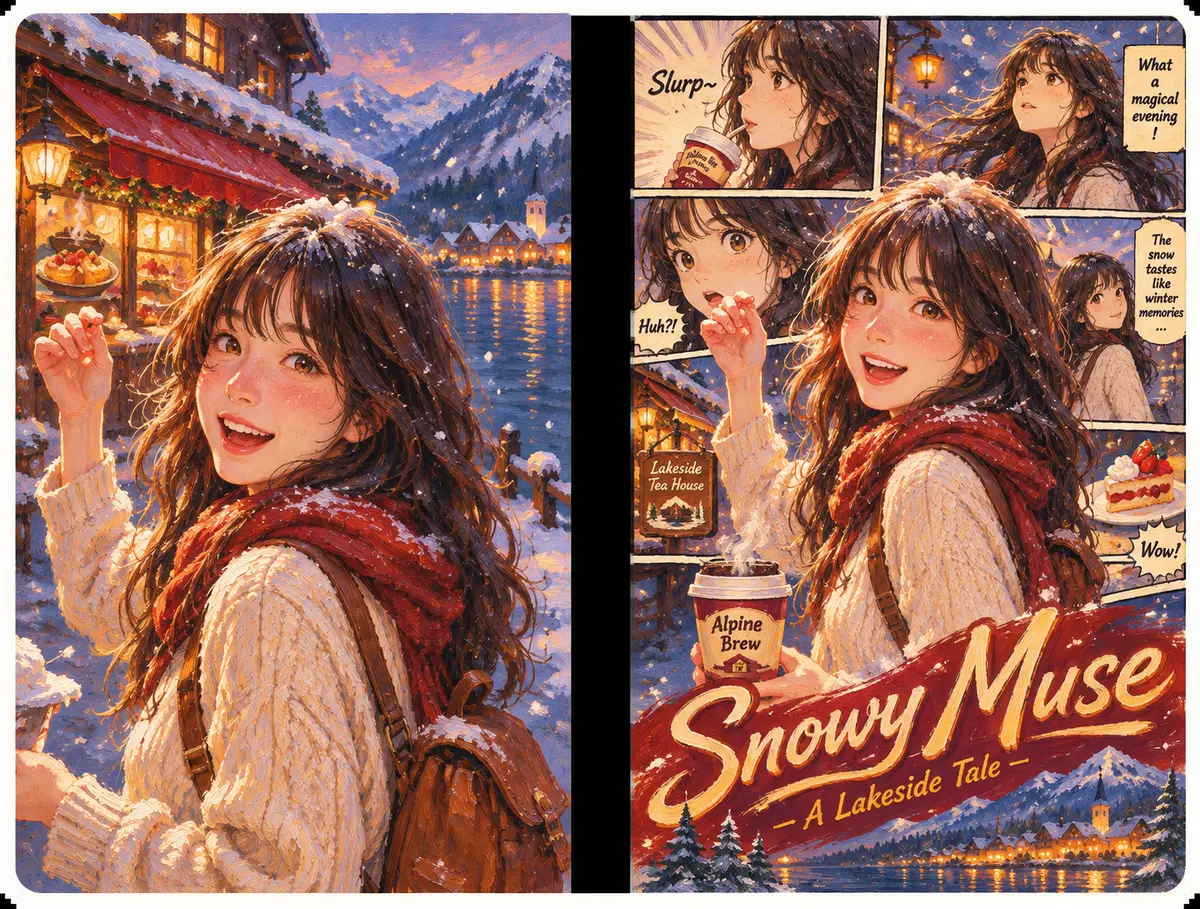
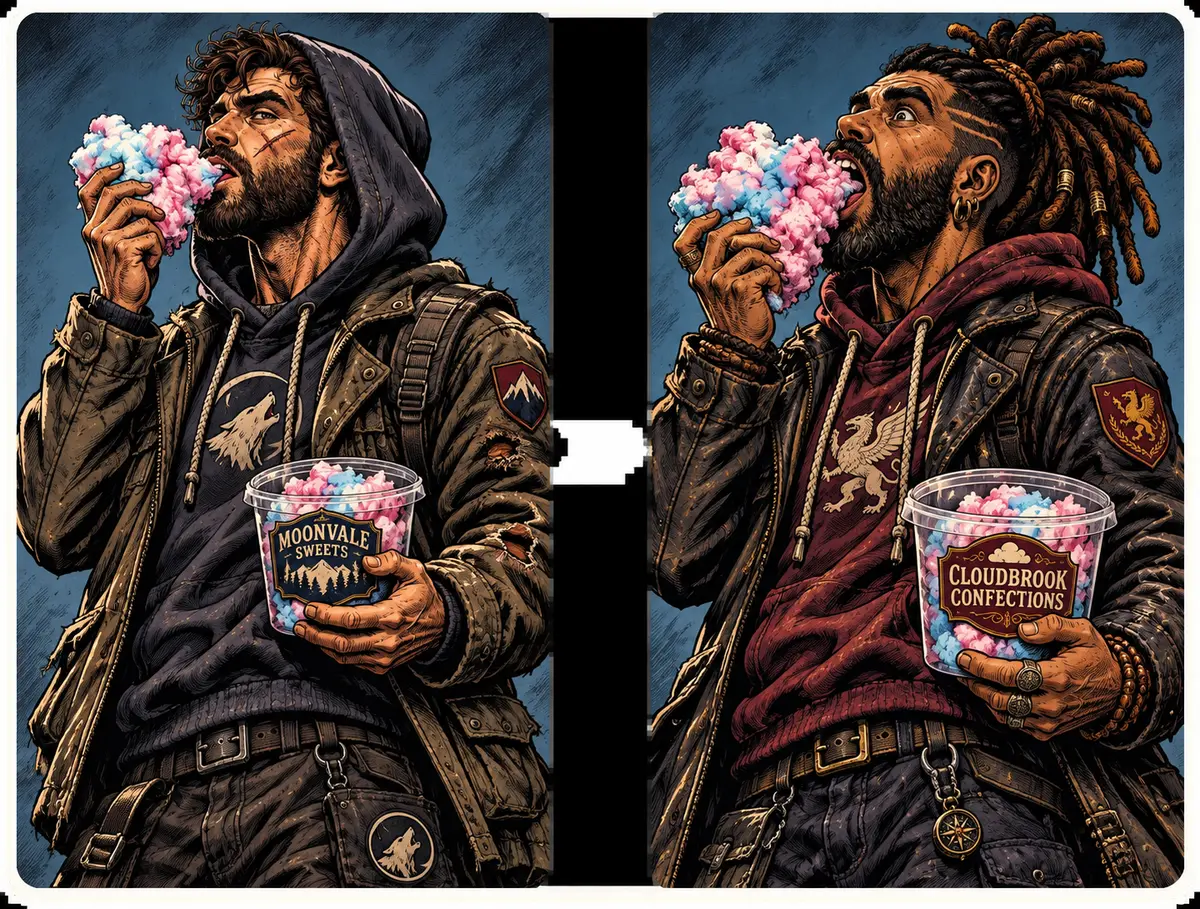
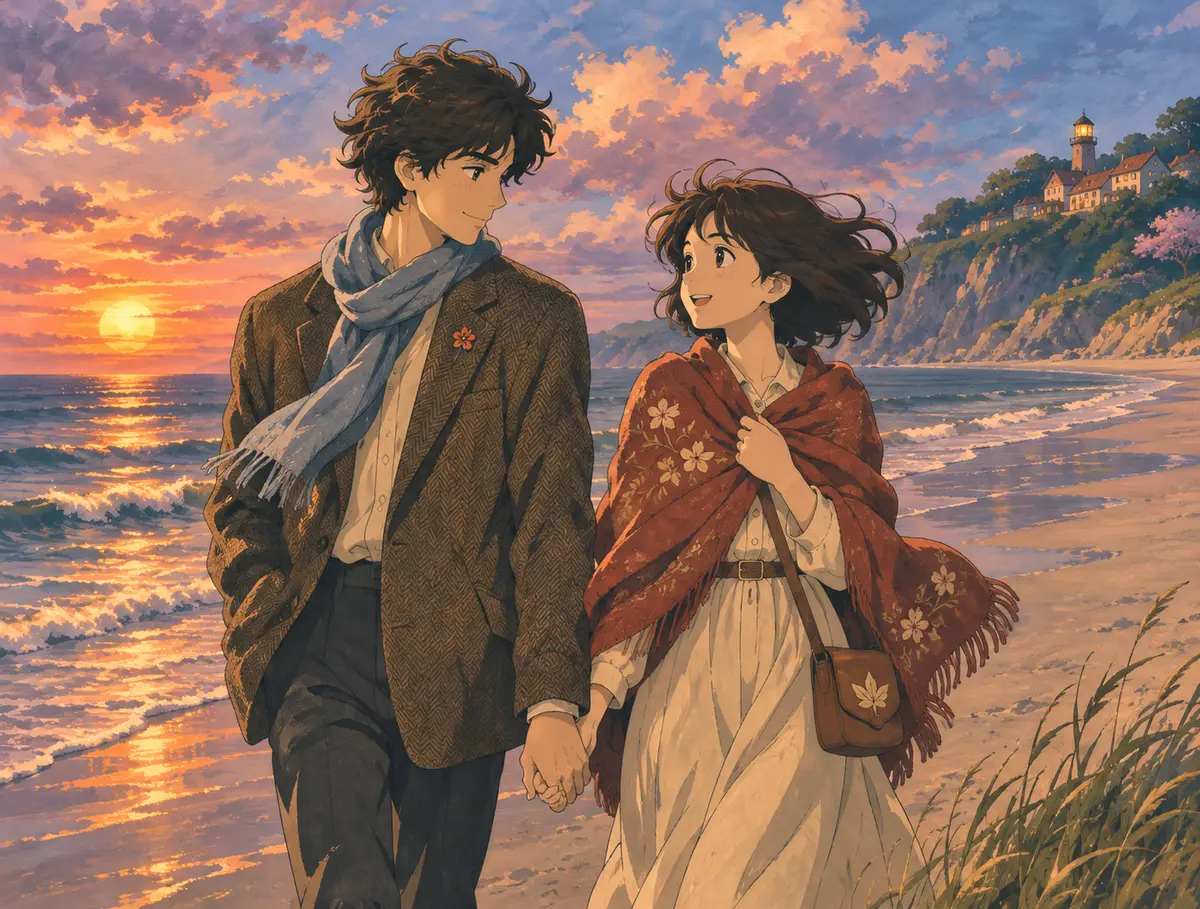
Why Creators Rely on Our Photo Editor
Real projects, real people: a few notes on how this tool fits into everyday creative work.
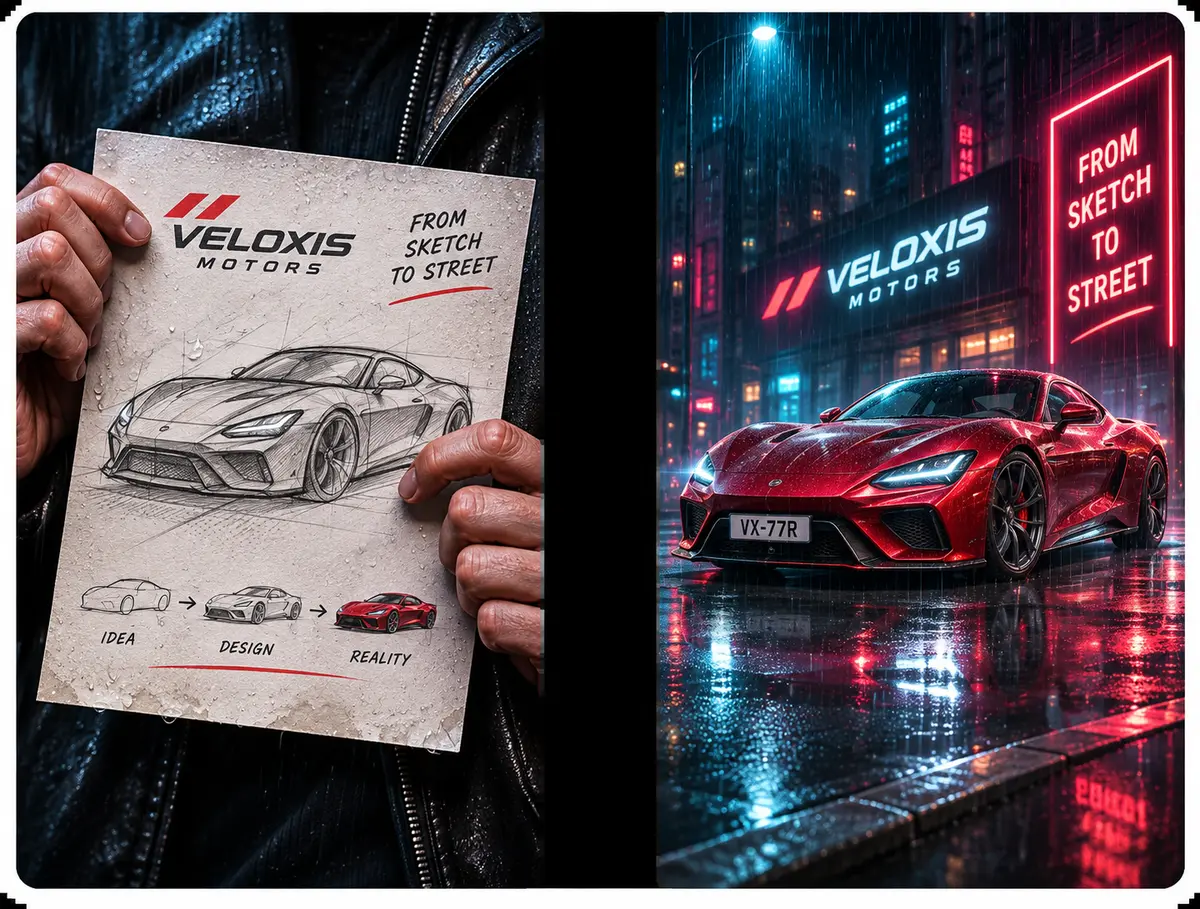
My party of heroes started as pencil doodles. A few image to image passes turned them into matching character sheets in an afternoon instead of a week of painting.
Mara Lindqvist
Indie RPG Designer
Keeping my lead character on-model across twenty panels used to eat my weekends. Now faces and outfits hold steady, and the latest chapter shipped ahead of schedule.
Theo Brandt
Webcomic Creator
We had wireframes and a pitch on Friday. After a handful of prompts the screens looked like real product shots, so I could spend my time on the story.
Priya Nair
Product Lead, Northwind Labs
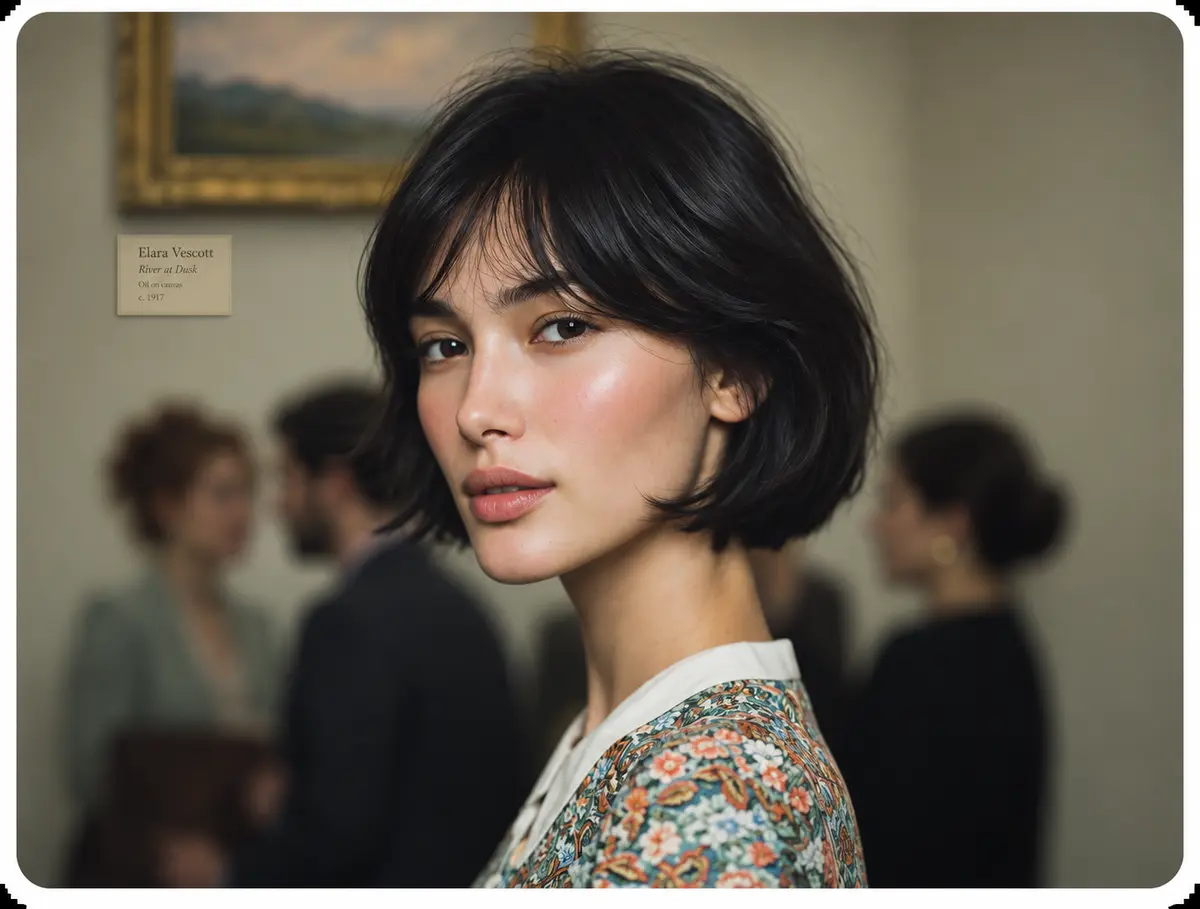
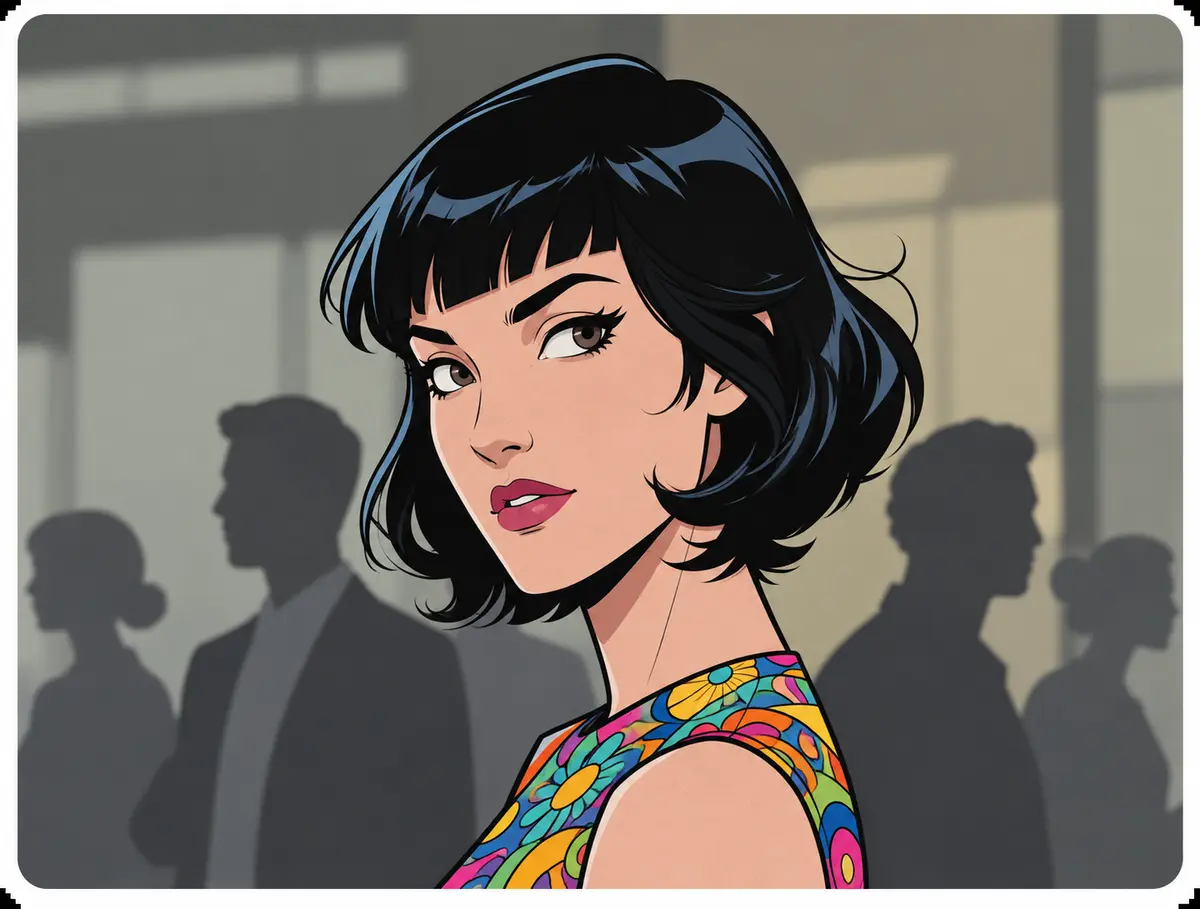
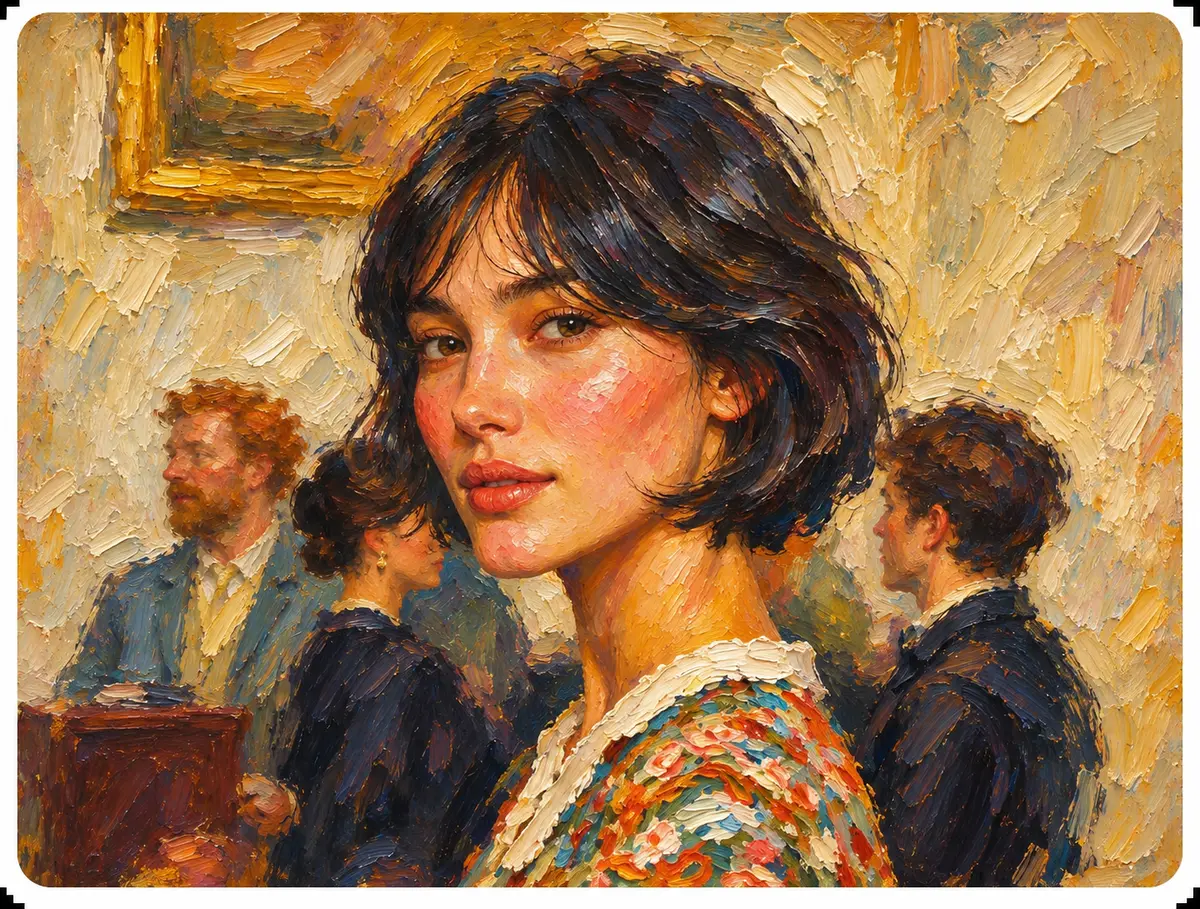
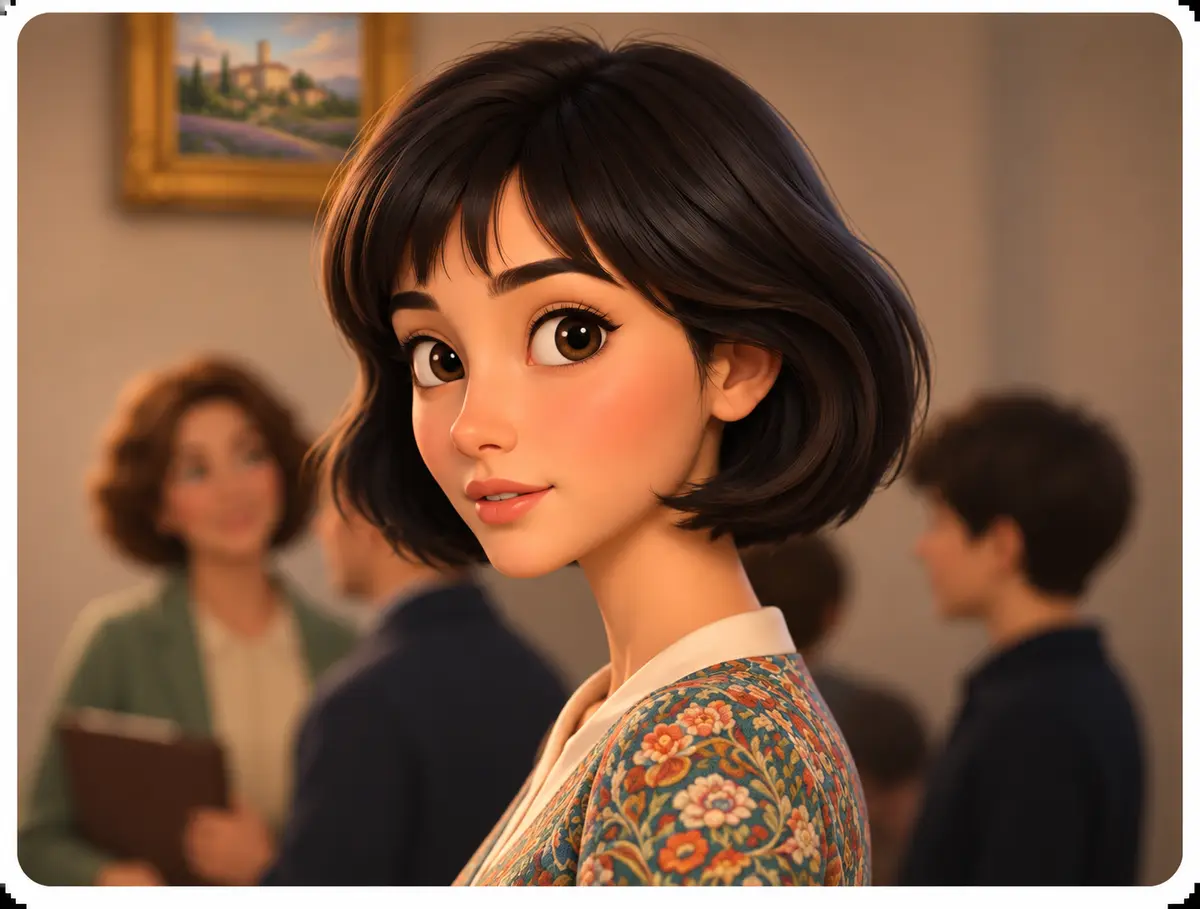
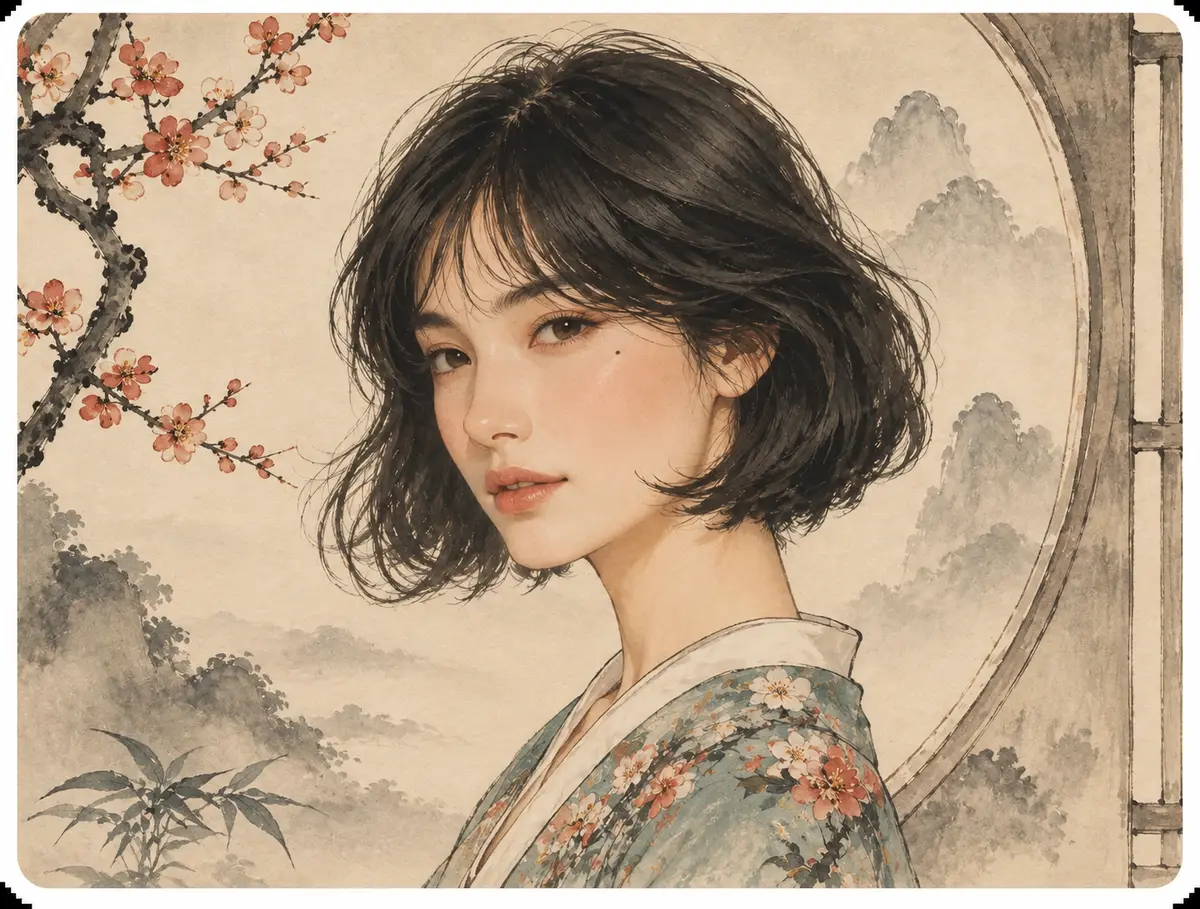
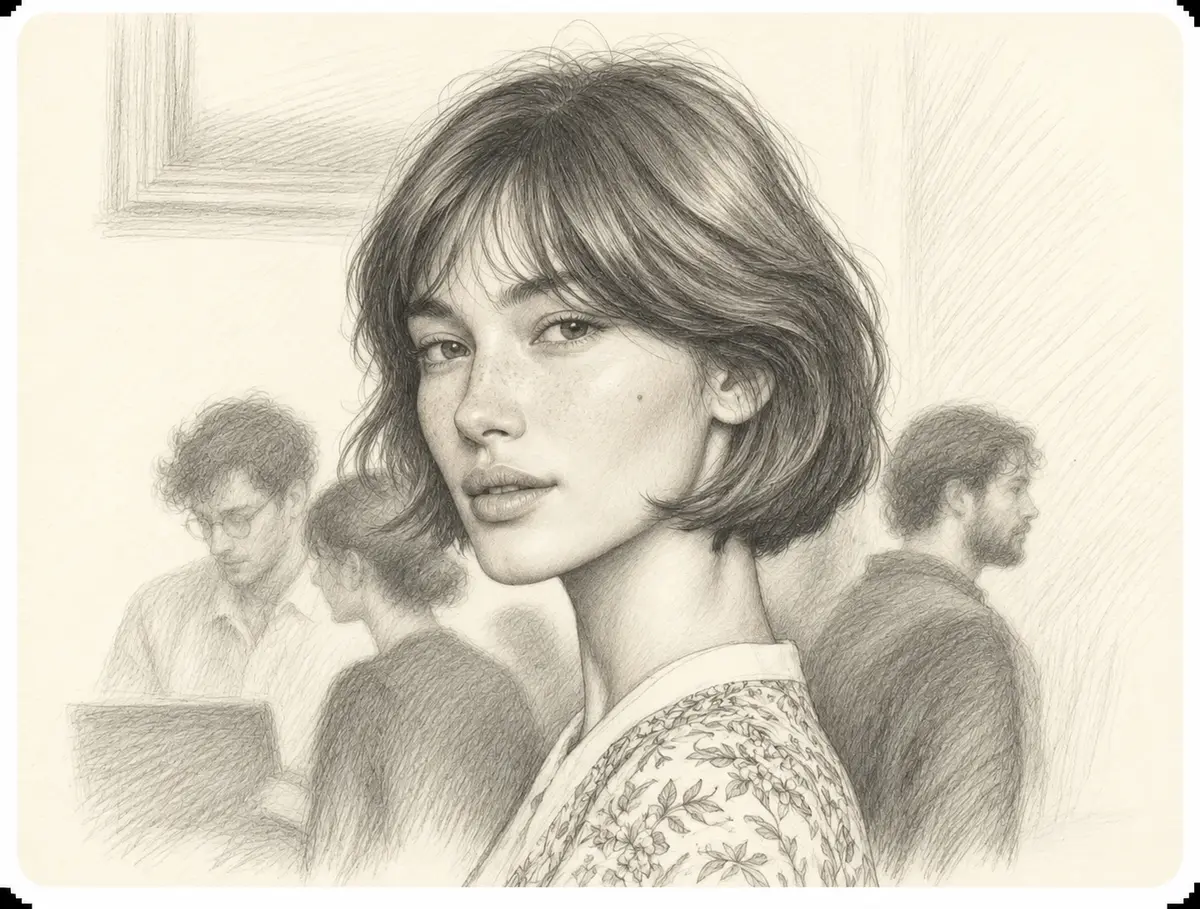
One Portrait, Six New Looks
Questions About Restyling Your Photos
1. What does image to image actually do?
You upload a picture and describe a change. The AI returns a new version with a different style, mood or detail, while the layout and main subjects stay put.
2. How is it different from text-to-image?
Text-to-image starts from words alone. Here your photo is the blueprint, so composition, poses and structure carry over while the look follows your prompt.
3. Which source photos give the best results?
Sharp subjects, even lighting and a sensible aspect ratio help most. Tiny or heavily distorted files tend to produce weaker output.
4. What should a good prompt include?
Name the subject, the style you want and anything that must stay the same. Short, specific instructions usually beat long lists of adjectives.
5. Which styles and effects can I try?
Anime, oil paint, pencil sketch, 3D cartoon, ink wash, comic panels, new backgrounds, outfit swaps and object removal are popular starting points.
6. Is it suitable for beginners?
Yes. Upload, type a sentence and generate; no layers, masks or editing experience needed. Sample prompts help you get going.
7. Does it have any weak spots?
Hands, small lettering and very busy scenes can still come out imperfect. Running a few variations and tightening the prompt usually helps.
8. Can I use the site in another language?
Yes. Use the language menu in the header to switch the interface; the workflow stays the same in every version.
Imagine. Restyle. Share.
Turning one picture into something new should feel easy, expressive and fun. Bring a photo, add an idea, and see where it leads.
Start creating